🔒 Local Processing, Zero Cloud
Contacts Excel App Icon

Contacts Excel

Manage Your Contacts with Excel

3+
Export Formats
4
Languages
100%
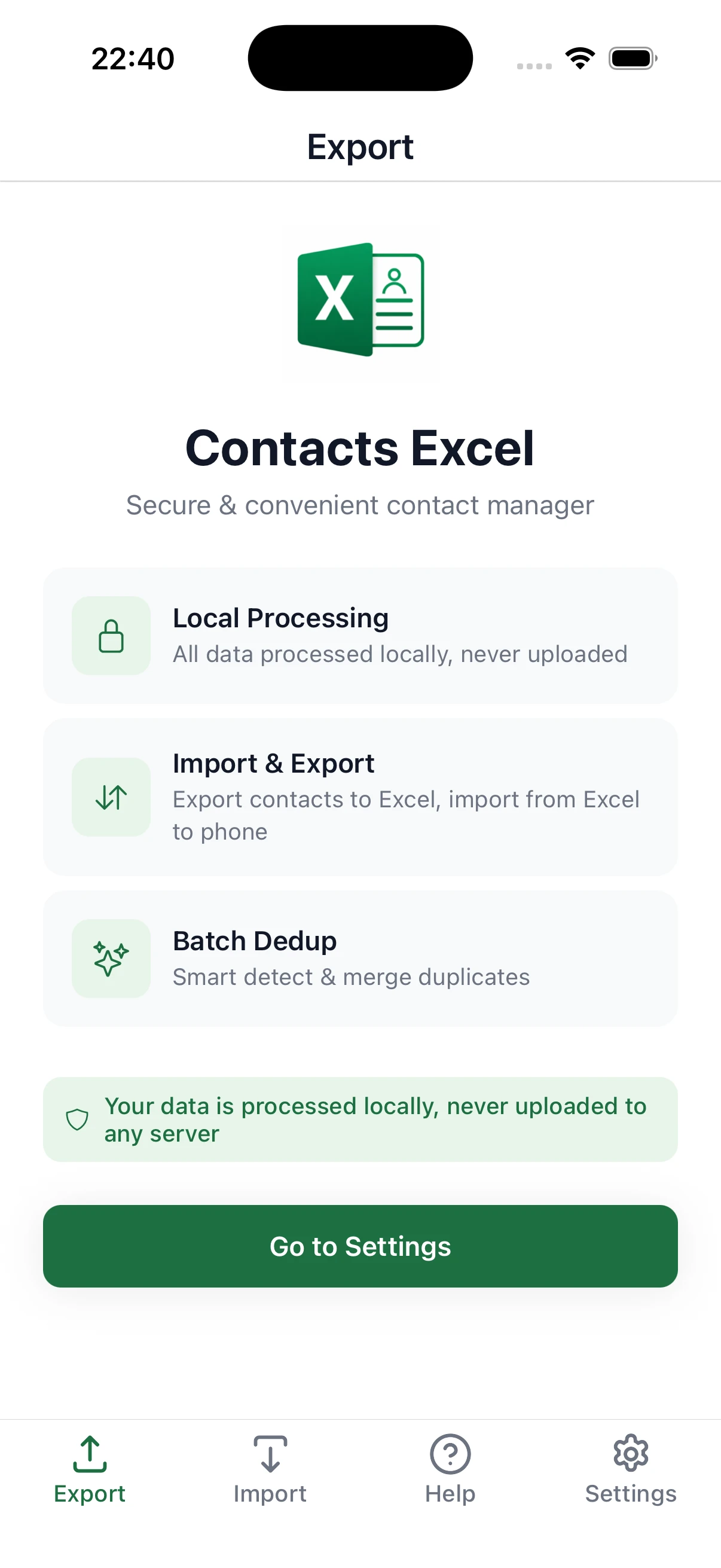
Local Processing
0
Data Upload
Powerful Features, Simple Operation

All-in-one contact management solution for all your export and import needs

🔒

Local Processing, Zero Cloud

All contact data is processed entirely on your device and never uploaded to any server. Your privacy, protected.

📤

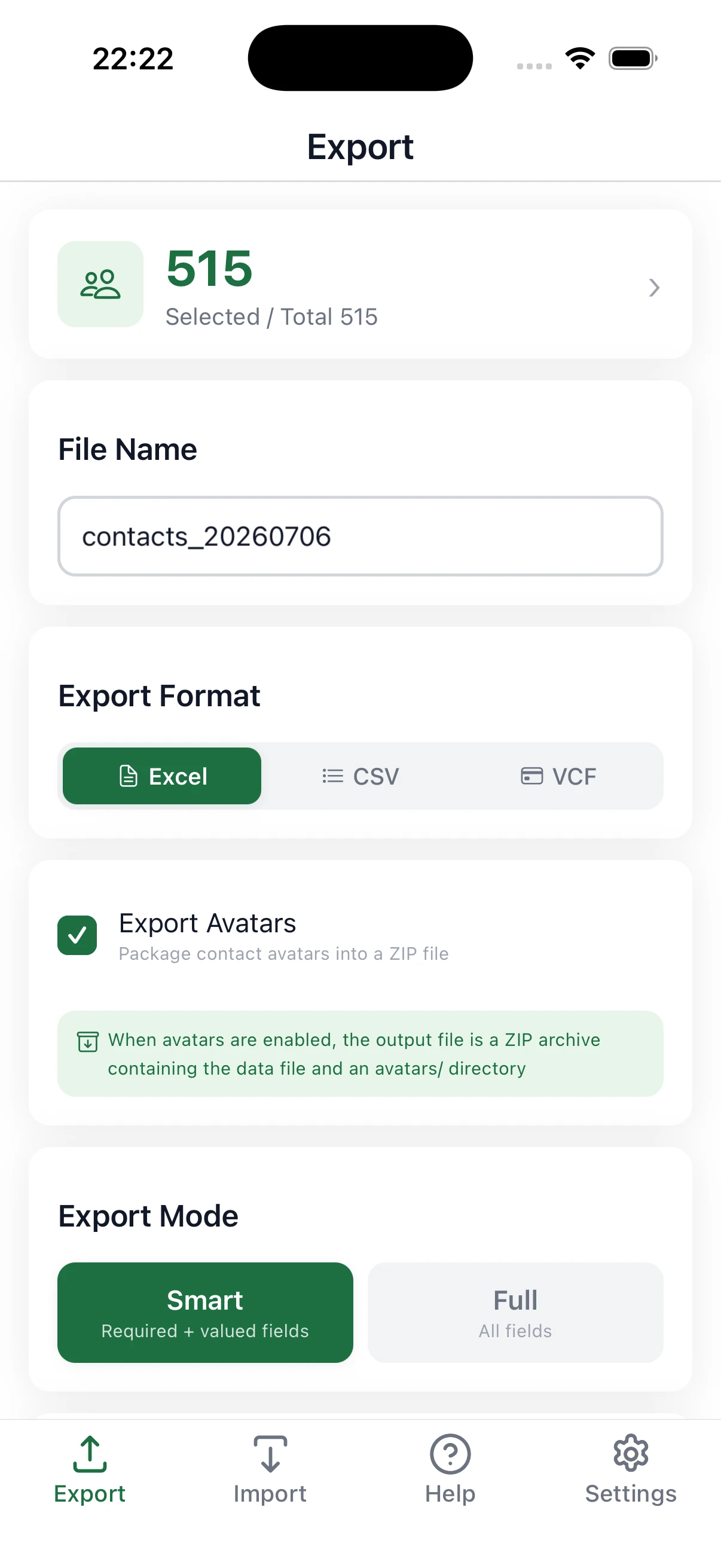
Flexible Export

Multiple formats and modes to meet different export scenarios.

  • Export to Excel, CSV, or VCF formats
  • Smart mode auto-selects fields with values
  • Full mode exports all fields
  • Custom field and contact selection
  • Export contact avatars (packaged as ZIP)
  • Preview data before exporting
📥

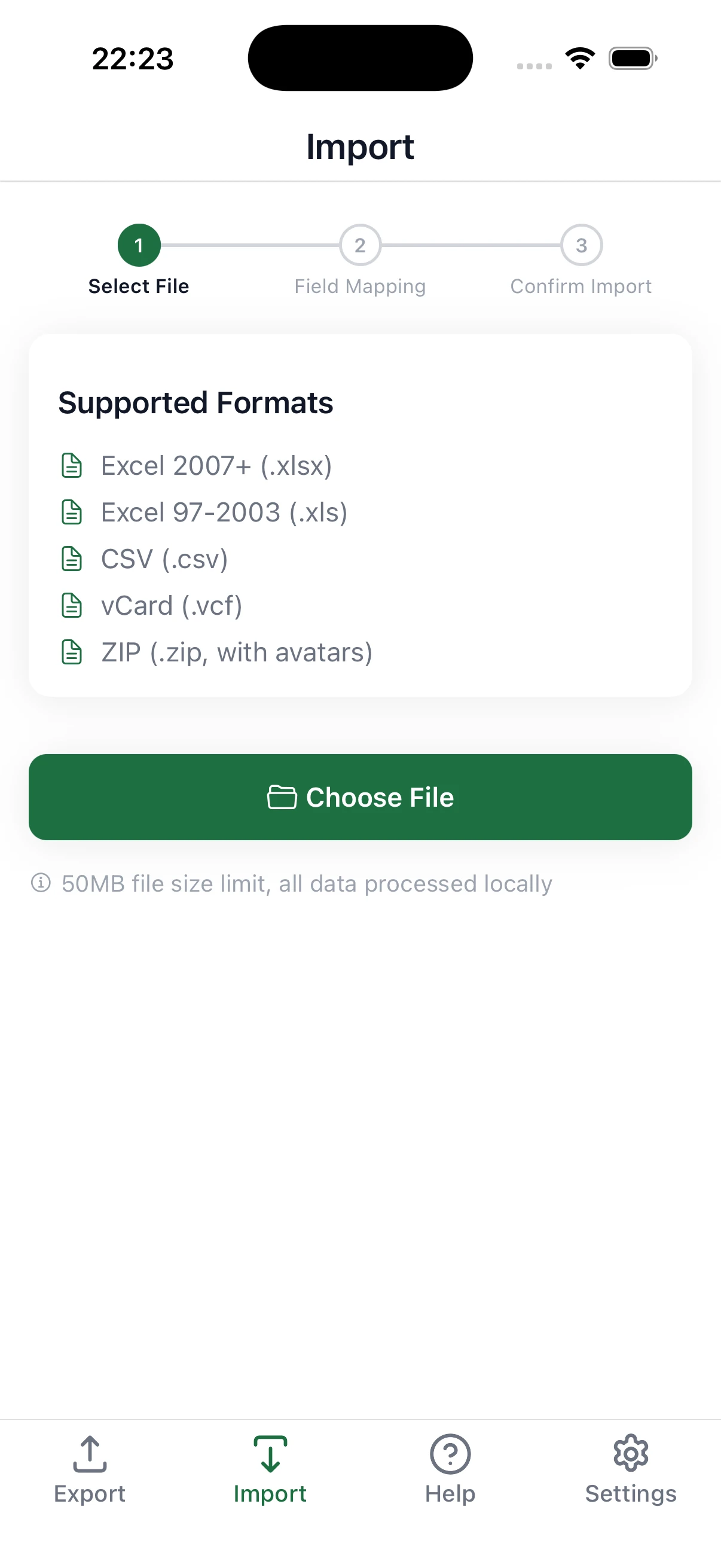
Smart Import

Auto-detect file formats, smart field mapping — importing has never been easier.

  • Import from Excel, CSV, VCF, or ZIP files
  • Auto-detect column names and map to contact fields
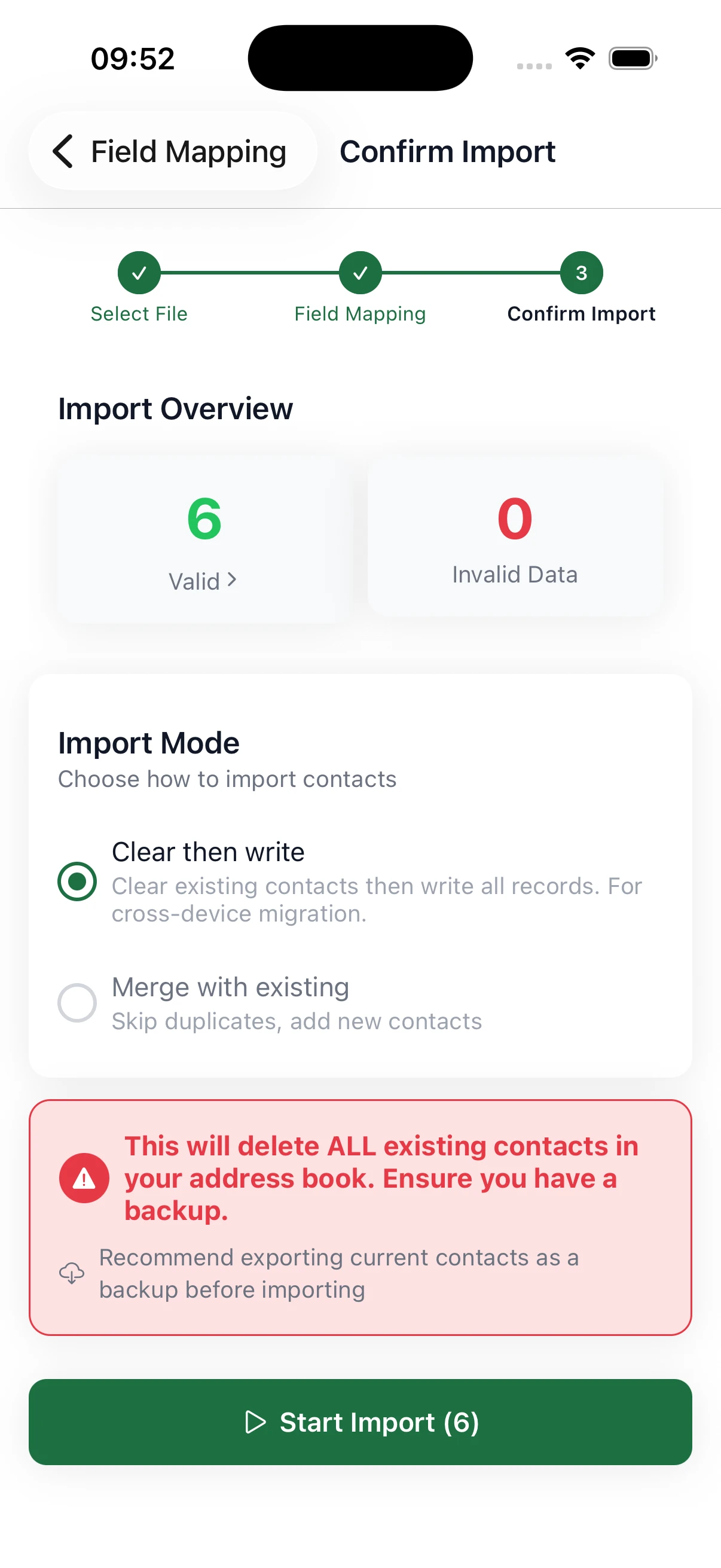
  • Manually adjust field mappings
  • Merged cell detection and alerts
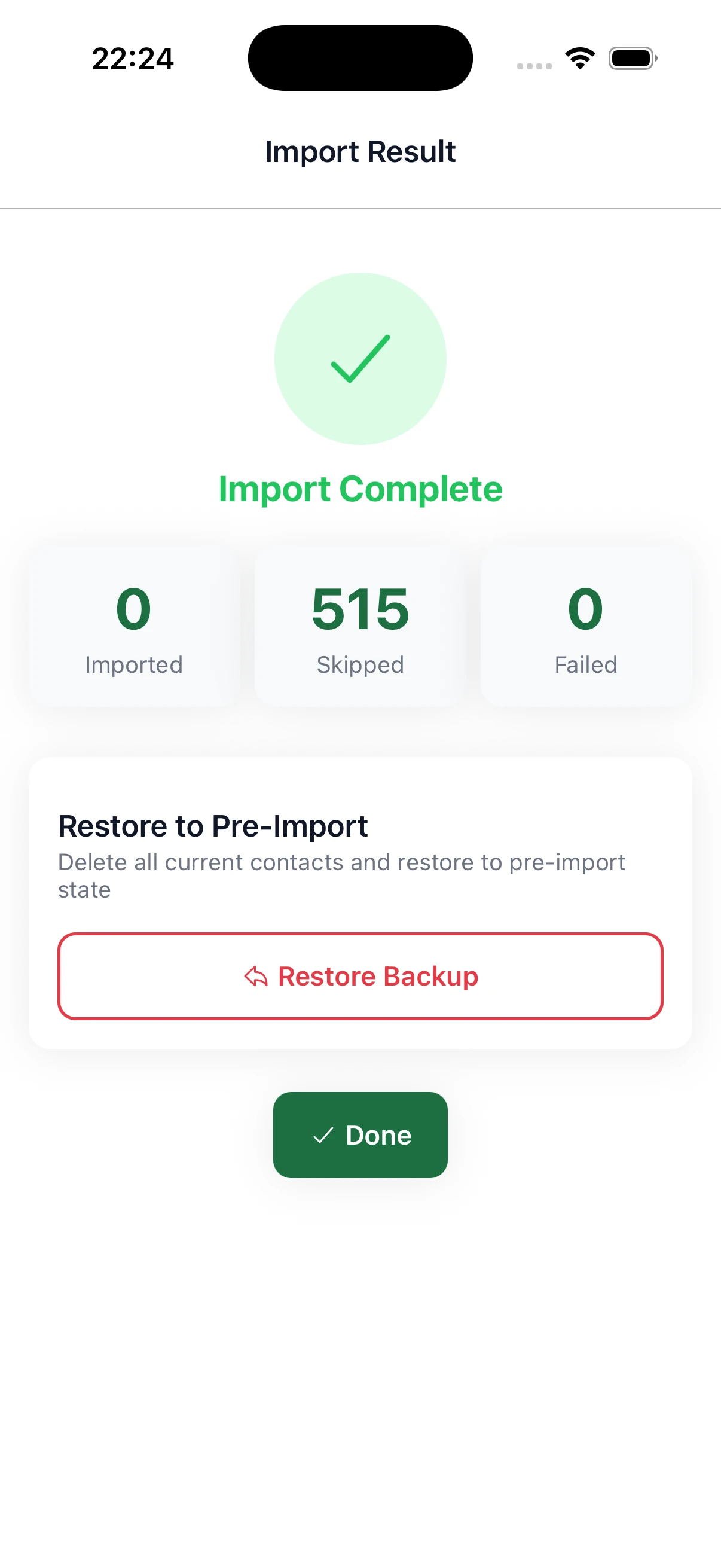
  • 4 duplicate handling strategies
🔄

Cross-Platform Migration

Seamless iOS ↔ Android contact migration with automatic platform difference handling.

  • Seamless iOS ↔ Android migration
  • Auto-handles platform differences
  • IM, social accounts, address format compatibility
  • Export full mode Excel, import on target platform

More Features

Attention to detail for the best user experience.

  • 4 languages: English, Chinese, Japanese, Spanish
  • Dark mode support
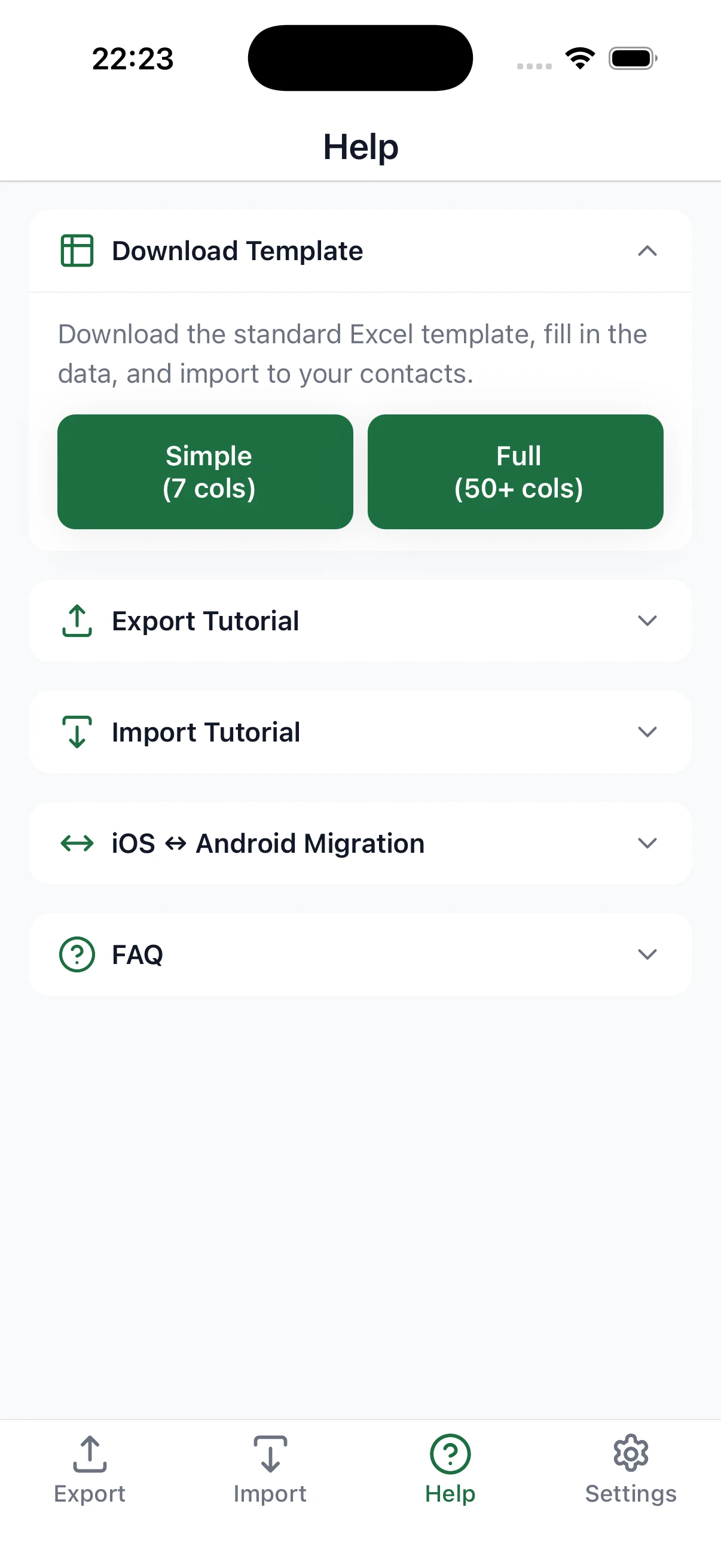
  • Standard template download
  • Built-in tutorials and FAQ
  • Clear all contacts (with confirmation)
  • No registration, no network required

Lightning Fast

High-performance local processing engine handles thousands of contacts in seconds.

  • Process thousands of contacts in seconds
  • Memory optimized, stable and reliable
  • Real-time progress display
  • Supports interruption and resume

Clean and Elegant Design

Carefully designed interface makes every operation a pleasure

Contacts Excel main screen
Export feature screen
Import feature screen
Field selection screen
Preview screen
Settings screen

Three Easy Steps to Manage Contacts

Simple and intuitive workflow — no learning curve required

1

Choose Action

Open the app and select export or import. Supports multiple formats and custom options.

2

Configure Options

Select the fields, contacts, or files you need, and customize export/import parameters.

3

Complete

Preview and confirm, then complete export or import with one tap — fast and efficient.

Start Managing Your Contacts Today

Free download — experience the safest and most convenient contact management tool